Hospital Equipment Tracking Software: 10 Features to Test

Founder & CEO
15+ years building healthcare technology. Founder & CEO of Nirmitee.io, whose teams deliver EHR integrations, FHIR and HL7 platforms, ABDM and NHCX connectivity, and clinical AI for health systems and healthtech companies.

Hospital equipment tracking software should help your team answer a specific question: where is this device, who is responsible for it, and what can we safely conclude from its record? This checklist is for operations and biomedical teams evaluating software against problems they already have.
Ask vendors to demonstrate the following features with the same de-identified sample. Include an equipment transfer, a missing label, an overdue service event and a device found outside its expected department. A polished dashboard is easier to compare when every vendor must resolve the same exceptions.
1. A stable identity for every device
Test how the software separates an internal asset ID from a manufacturer's serial number and an old finance code. Ask what happens if an imported row matches an existing serial number with different punctuation, or if the serial is missing. A warning should lead to a controlled review rather than an automatic merge that could combine two devices.
Try replacing a damaged label. The equipment history should remain attached to the same device. Confirm how the system handles a device with accessories or components that need their own service records.
2. Location with a source and timestamp
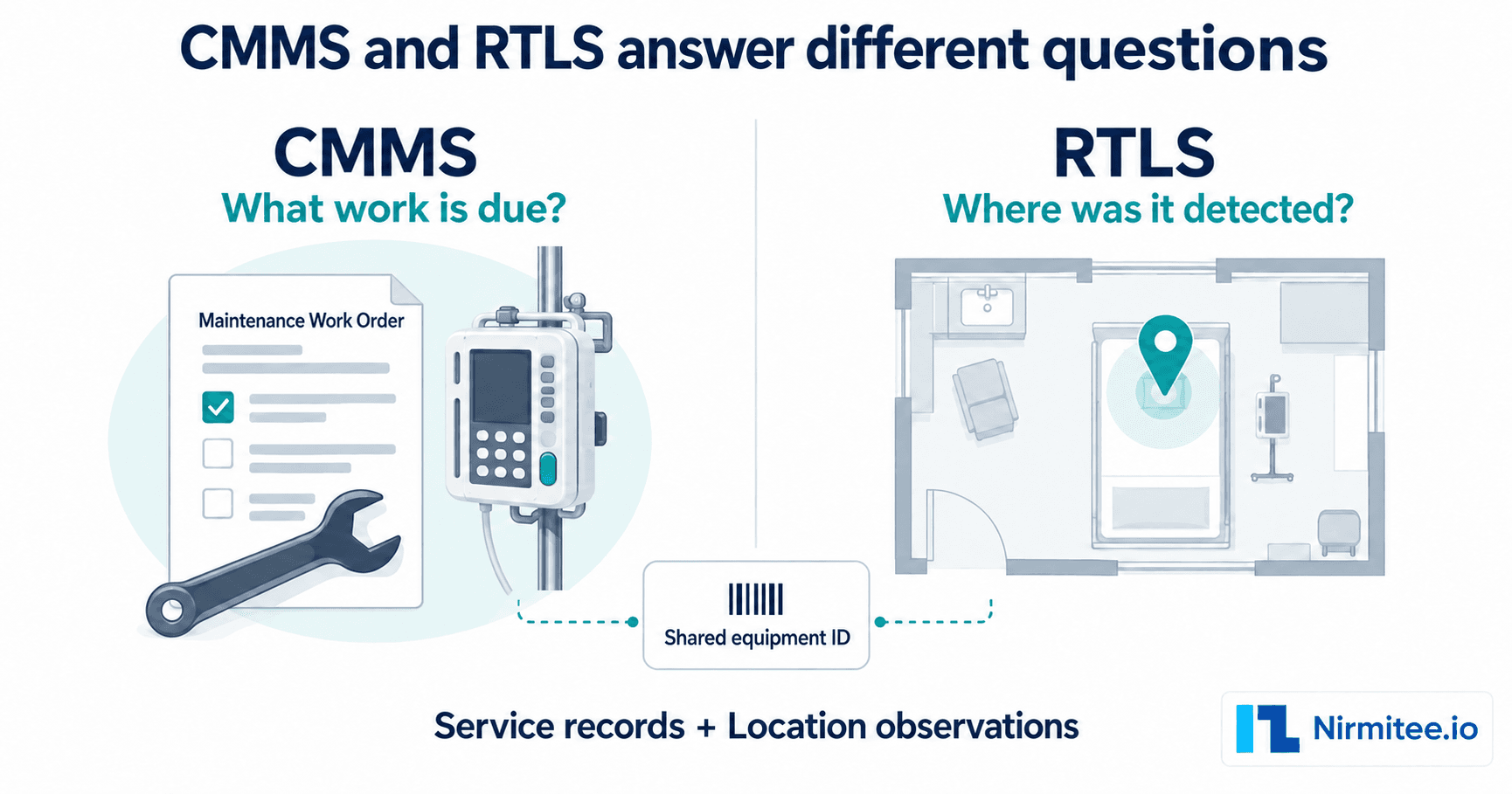
A useful location record tells you how it was obtained and when. Ask the vendor to distinguish an assigned department, a last scan and an automated reader observation. A map pin without that context can suggest more certainty than the evidence supports.
For RTLS proposals, test your required room or zone granularity, update delay and coverage gaps in the actual environment. Ask how staff see stale or unavailable location information. For scan-based workflows, test the effort required to keep transfers current.
3. Transfers that establish responsibility
Move a sample device between departments. Check whether the event records sender, receiver, time and acceptance. Then attempt a transfer with a user who should lack permission. A role name in a settings screen is weaker evidence than a blocked action in a demonstration.
Ask how temporary loans, off-site repairs and returns differ from permanent reassignment. Otherwise, a device may appear missing simply because its temporary location was never modelled.
4. Maintenance and calibration linked to the equipment record
Open a device, find its next planned task and follow a completed task to its supporting record. Test a missed task and an unavailable service document. Confirm who can close work and who can approve a return to service under your hospital's process.
A due-date reminder does not demonstrate that the maintenance was performed. The software should let your team inspect the evidence and identify incomplete work.
5. Breakdown tickets with ownership
Raise a breakdown from the equipment record. Check the assigned owner, priority, status history and vendor escalation. Ask what happens when the person originally assigned leaves the team. Request an export that preserves the event sequence.
Keep technical repair completion separate from operational availability where your process requires additional checks. The system should reflect the hospital's decision authority.
6. Vendor, warranty and contract history
Show a device covered by a service agreement and another whose warranty has expired. Ask how the team finds the relevant contact, coverage dates, exclusions and past service events. Confirm whether a contract covers individual equipment, a device group or a site.
Ask the vendor to demonstrate the actual workflow for attaching and retrieving commercial documents. Do not assume that an equipment list automatically includes contract administration.
7. Audits that preserve the baseline
Freeze a department's expected equipment list, scan a device from another department and leave one expected item unobserved. The result should explain the two exceptions separately. Ask whether subsequent register edits change the historical audit or create a traceable resolution.
Review the export with the people who will use it. An audit completion percentage without its scope, exclusions and open exceptions is difficult to interpret.
8. Reports with clear definitions
Ask what “available,” “in use,” “idle” and “utilisation” mean in each report. A device being assigned to a ward, detected in a room or marked busy by a user represents different evidence. Choose the definition needed for your purchasing decision.
If a vendor proposes a savings estimate, request its inputs and assumptions. Validate any claimed avoided purchase against an actual finance decision. Keep an illustrative calculation separate from a customer result.
9. Import, integration and export that can be tested
Import a representative sample, including deliberately invalid and duplicate rows. Check which fields are rejected and whether the original source reference is retained. For integrations, name the system, data fields, direction, update frequency and failure owner in the proposal.
An API being available does not prove that your HIS, ERP or service system is already integrated. Ask for a scoped demonstration and an acceptance test. Also test an ordinary export before signing, so the exit process is clear.
10. Administration that fits the site
Have IT review access control, authentication, hosting, backups, retention, support access and incident handling. Test account removal and permissions against representative actions. Ask what happens when the network is unavailable, and treat offline support as unconfirmed until the workflow is shown.
For US, UK and Indian sites, document the specific contractual, privacy and security requirements that apply. A generic healthcare label does not settle those questions.
A practical demonstration scorecard
| Test | Evidence to retain | Who should assess it |
|---|---|---|
| Import, identify and relabel a device | Import result and unchanged equipment history | Register owner |
| Find and transfer equipment | Observation source, timestamp and custody history | Operations and ward representative |
| Close a service task | Work record, evidence and approval history | Biomedical engineering |
| Reconcile an audit difference | Frozen scope, exception and recorded resolution | Quality and finance |
| Restrict access and export data | Permission test and usable export | IT and security |
Record each result as demonstrated, partly demonstrated, or still to be confirmed. Agree your own mandatory criteria before scoring. An average score should not hide a failure on a requirement your hospital cannot compromise.
Use the checklist to scope an Assetly demo
Start with the Assetly hospital asset-management product and bring the specific workflow you need to see. Ask the team to show the equipment record, maintenance or calibration history, vendor records, a transfer and an audit exception. Confirm hardware and integration scope separately.
If you are still choosing the workflow, read the hospital asset-management guide. If location technology is the decision, use the barcode and RFID comparison. Indian procurement teams can use the India vendor-evaluation guide to turn the demonstration into a bounded proposal.
Medical equipment tracking software: shortlist in one page
Use the features above as a scorecard. A tool that scores well on location, maintenance, calibration and contracts on one device record is medical equipment tracking software; a tool that only shows a map is a locating system. To see the full product, go to Assetly hospital asset tracking software.
Scoring medical equipment tracking software? Book an Assetly demo to see it on your own equipment list.
See your equipment workflow in Assetly
Bring your country, approximate asset scope, sites and the equipment problem you need to resolve. Ask the team to demonstrate that workflow.
Frequently Asked Questions
Which feature should we test first?
Does RFID always mean real-time location?
How do we compare software prices?
What should we bring to an Assetly demonstration?
Check the product against your buying brief
Review Assetly equipment records, maintenance, vendors, transfers and audits before you request a scoped demonstration.