Every 30 seconds, your AI agent wakes up, queries the FHIR server for new lab results, gets back an empty Bundle, and goes back to sleep. Multiply that across 50 subscription topics, 200 patients, and 24 hours — you have generated 2.88 million wasted API calls per day. At $0.006 per FHIR read operation on AWS HealthLake, that is $17,280 per day in infrastructure cost for an agent that spends 99.7% of its time learning that nothing changed.
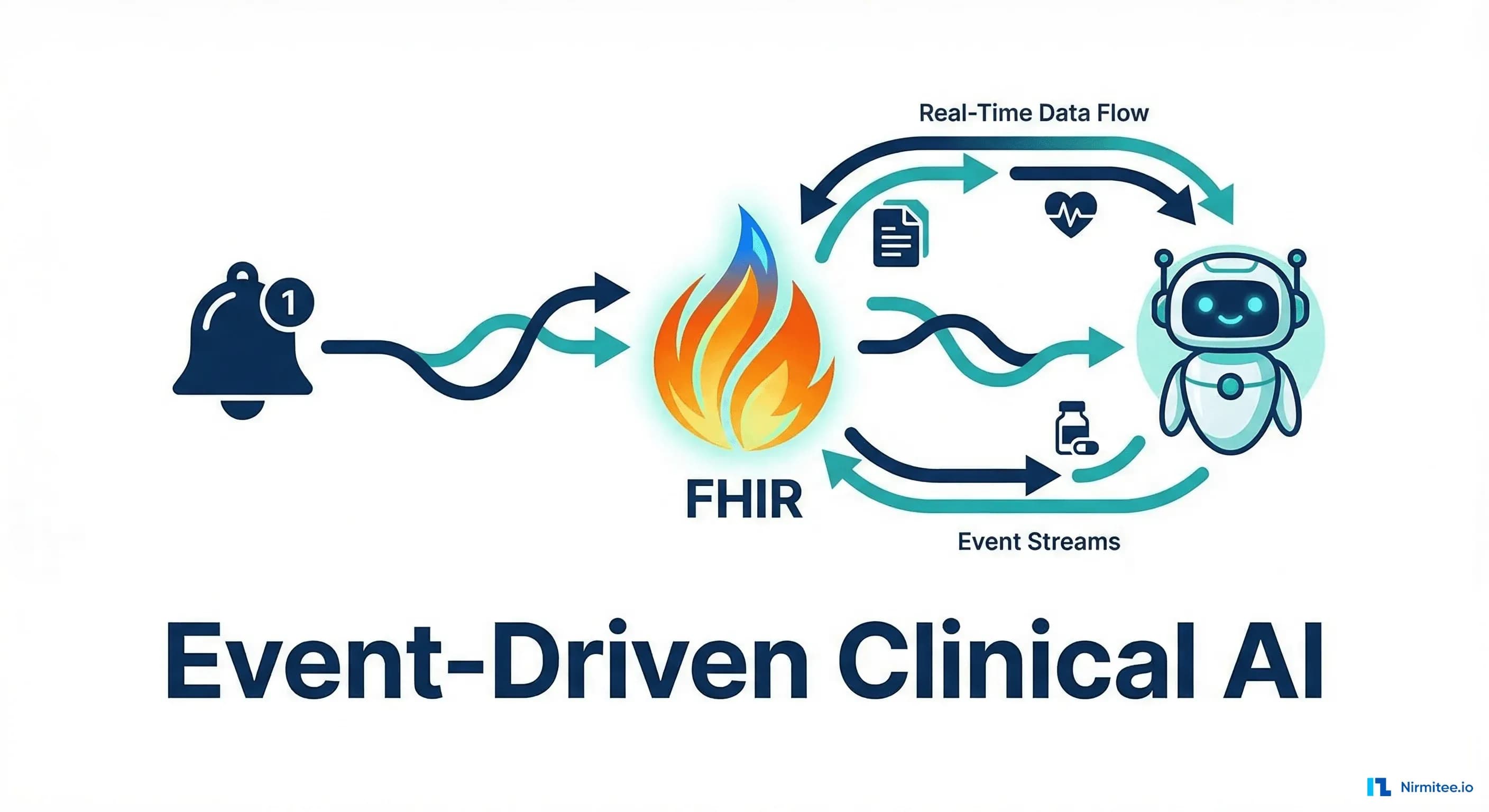
Instead of polling, your FHIR server pushes notifications when clinical events occur — a new lab result, a medication change, a patient admission. The AI agent activates only when there is work to do, reacting in real-time instead of checking on a timer.
This post covers how FHIR Subscriptions work, how to wire them to AI agent triggers, which EHR vendors support them today, and the architectural patterns that make event-driven clinical automation reliable in production.
Why Polling Fails for Clinical AI Agents
Polling — periodically querying the FHIR server for changes — is the default pattern most teams implement first. It works for prototypes and demos. It breaks in production for three reasons:
1. Latency
A 30-second poll interval means your agent discovers a critical lab result anywhere from 0 to 30 seconds after it posts. For a sepsis alert agent, that 30-second worst case could mean the difference between early intervention and escalation. Event-driven notifications deliver within 200-500ms of the FHIR write — a 60-100x improvement in worst-case latency.
2. Cost
The math above is not theoretical. Production healthcare AI deployments with multiple agent types (lab monitoring, medication review, admission processing, discharge planning) running polling loops against a FHIR server generate query volumes that dominate infrastructure costs. We have seen organizations spend more on empty FHIR queries than on the actual AI inference.
3. Server Load
A FHIR server tuned to 10,000 queries per second can handle polling from a handful of agents. But when you scale to 20+ agent types, each watching multiple resource categories across thousands of patients, the polling load can consume 40-60% of your FHIR server's capacity — leaving less headroom for actual clinical queries from EHR users and applications.
FHIR R5 Subscriptions: How They Work
FHIR R5 introduced a completely redesigned Subscription model (replacing the R4 Subscription resource, which had significant limitations). The R5 model has three components:
SubscriptionTopic
A SubscriptionTopic defines what events can be subscribed to. It specifies the trigger conditions — which resource types, what operations (create, update, delete), and optional filter criteria. Think of it as the event catalog.
Example: a SubscriptionTopic for "new lab results" might trigger on Observation resources with category=laboratory and status=final.
{
  "resourceType": "SubscriptionTopic",
  "id": "lab-result-available",
  "url": "http://example.org/SubscriptionTopic/lab-result-available",
  "title": "Lab Result Available",
  "status": "active",
  "resourceTrigger": [
    {
      "description": "Triggered when a lab Observation is finalized",
      "resource": "http://hl7.org/fhir/StructureDefinition/Observation",
      "supportedInteraction": ["create", "update"],
      "queryCriteria": {
        "current": "category=laboratory&status=final",
        "requireBoth": true
      }
    }
  ],
  "canFilterBy": [
    {
      "description": "Filter by patient",
      "resource": "http://hl7.org/fhir/StructureDefinition/Observation",
      "filterParameter": "patient"
    },
    {
      "description": "Filter by LOINC code",
      "resource": "http://hl7.org/fhir/StructureDefinition/Observation",
      "filterParameter": "code"
    }
  ]
}
Subscription
A Subscription says "I want to receive notifications for this topic, delivered to this endpoint, with these filters." An AI agent creates a Subscription resource to register its interest.
{
  "resourceType": "Subscription",
  "id": "lab-alert-agent-sub",
  "status": "active",
  "topic": "http://example.org/SubscriptionTopic/lab-result-available",
  "reason": "AI agent monitoring critical lab results",
  "filterBy": [
    {
      "filterParameter": "code",
      "value": "2823-3,2951-2,2075-0",
      "comparator": "in"
    }
  ],
  "channelType": {
    "system": "http://terminology.hl7.org/CodeSystem/subscription-channel-type",
    "code": "rest-hook"
  },
  "endpoint": "https://agent-gateway.example.com/fhir-events",
  "heartbeatPeriod": 60,
  "content": "id-only",
  "maxCount": 100
}
Key configuration choices:
- channelType:
rest-hook(HTTP POST),websocket, oremail. REST-hook is the standard for server-to-server AI agent triggers - content:
empty(notification only),id-only(resource IDs), orfull-resource(complete FHIR resource in the notification). Start withid-only— it is the most efficient and lets the agent fetch the full resource with appropriate SMART authorization - filterBy: Narrow the subscription to specific patients, conditions, or code values. The LOINC codes
2823-3(potassium),2951-2(sodium), and2075-0(chloride) in the example limit notifications to electrolyte panel results
Notification Bundle
When a matching event occurs, the FHIR server sends a notification Bundle to the subscriber's endpoint. The Bundle contains a SubscriptionStatus resource with event metadata and (depending on the content setting) the triggering resource data.
Four Agent Trigger Patterns
With Subscriptions as the trigger mechanism, AI agents activate in response to clinical events rather than on a schedule. Here are the four production patterns we have implemented:
Pattern 1: Lab Result Review Agent
Subscribe to Observation resources with category=laboratory and status=final. When a critical lab value posts (e.g., potassium > 6.0 mEq/L), the agent activates, pulls the patient's medication list (checking for potassium-sparing drugs), recent renal function, and active conditions. It generates a structured alert for the care team with clinical context — not just "potassium is high" but "potassium 6.2 in patient on spironolactone with CKD stage 3, last eGFR 38 mL/min."
This is the highest-value subscription pattern because the agent adds clinical synthesis that a simple alert threshold cannot provide. Drug interaction prevention becomes proactive rather than reactive.
Pattern 2: Admission Processing Agent
Subscribe to Encounter resources with class=inpatient and status=in-progress. On admission, the agent pulls the patient's problem list, medication list, allergy list, and advance directives. It generates a structured admission summary, identifies care protocol recommendations based on active conditions, and flags incomplete documentation (missing allergies, outdated medication list).
Pattern 3: Medication Change Agent
Subscribe to MedicationRequest resources with status=active. When a new medication is ordered or an existing one is modified, the agent checks for: drug-drug interactions against the full active medication list, drug-allergy conflicts, dose appropriateness for renal/hepatic function, and prior authorization requirements with the patient's insurance.
Pattern 4: Discharge Planning Agent
Subscribe to Encounter resources with status=finished or subscribe to CarePlan resources with category discharge. The agent compiles: follow-up appointments needed, medication reconciliation, patient education materials based on discharge diagnoses, and automated referral generation. It then triggers the remote patient monitoring enrollment workflow if the patient qualifies.
EHR Vendor Subscription Support in 2026
The biggest practical question: Does your EHR actually support FHIR Subscriptions? The answer varies significantly by vendor:
| EHR Vendor | R5 Subscriptions | REST-hook | WebSocket | Topic-Based | Notes |
|---|---|---|---|---|---|
| Epic (Feb 2026) | Partial | Yes | No | Yes (limited topics) | 8 pre-defined topics, no custom topics yet |
| Oracle Health | Yes | Yes | Yes | Yes | Most complete implementation as of March 2026 |
| MEDITECH Expanse | No | No | No | No | R4 Subscription only (limited capability) |
| HAPI FHIR (OSS) | Yes | Yes | Yes | Yes | Full R5 implementation with custom topics |
| AWS HealthLake | No | No | No | No | No subscription support; use CloudWatch Events |
| Azure Health Data | Partial | Yes | No | Yes (backported) | R5-style Subscriptions backported to R4 |
| Google Cloud Healthcare | Yes | Yes | No | Yes | Earliest cloud R5 support; Pub/Sub integration |
The Epic Gap
Epic's implementation is the most significant gap. Epic offers 8 pre-defined SubscriptionTopics (new lab result, new encounter, patient discharge, medication order, and four others) but does not support custom topics. If your agent needs to subscribe to a resource or event type not in Epic's pre-defined list, you need a workaround.
The common workaround: use Mirth Connect to process Epic's ADT/ORU HL7v2 messages and convert them to FHIR Subscription-compatible notifications. This adds an HL7v2-to-FHIR translation layer but gives you unlimited event types.
Notification Architecture: From FHIR Event to Agent Activation
The notification arrives at your REST-hook endpoint as an HTTP POST with a FHIR Bundle. Here is the production architecture for processing it reliably:
Step 1: Webhook Receiver
A lightweight HTTP endpoint that validates the notification, returns 200 immediately (FHIR Subscription retries on non-2xx), and enqueues the event for async processing. Never process the notification synchronously in the webhook handler — the FHIR server has a timeout on the delivery attempt.
from fastapi import FastAPI, Request
import json
import boto3  # or your preferred message broker

app = FastAPI()
sqs = boto3.client('sqs')

@app.post("/fhir-events")
async def receive_notification(request: Request):
    bundle = await request.json()

    # Validate it is a subscription notification
    if bundle.get("type") != "subscription-notification":
        return {"status": "ignored"}

    # Extract event metadata
    status_entry = next(
        (e for e in bundle.get("entry", [])
         if e.get("resource", {}).get("resourceType") == "SubscriptionStatus"),
        None
    )

    if not status_entry:
        return {"status": "invalid"}

    # Enqueue for async processing
    sqs.send_message(
        QueueUrl="https://sqs.us-east-1.amazonaws.com/123/fhir-events",
        MessageBody=json.dumps(bundle),
        MessageAttributes={
            "topic": {
                "DataType": "String",
                "StringValue": status_entry["resource"].get("topic", "unknown")
            }
        }
    )

    return {"status": "accepted"}
Step 2: Event Router
A message consumer reads from the queue and routes events to the appropriate agent based on the SubscriptionTopic. This decoupling means agent failures do not affect event ingestion, and you can scale agent processing independently.
Step 3: Agent Activation
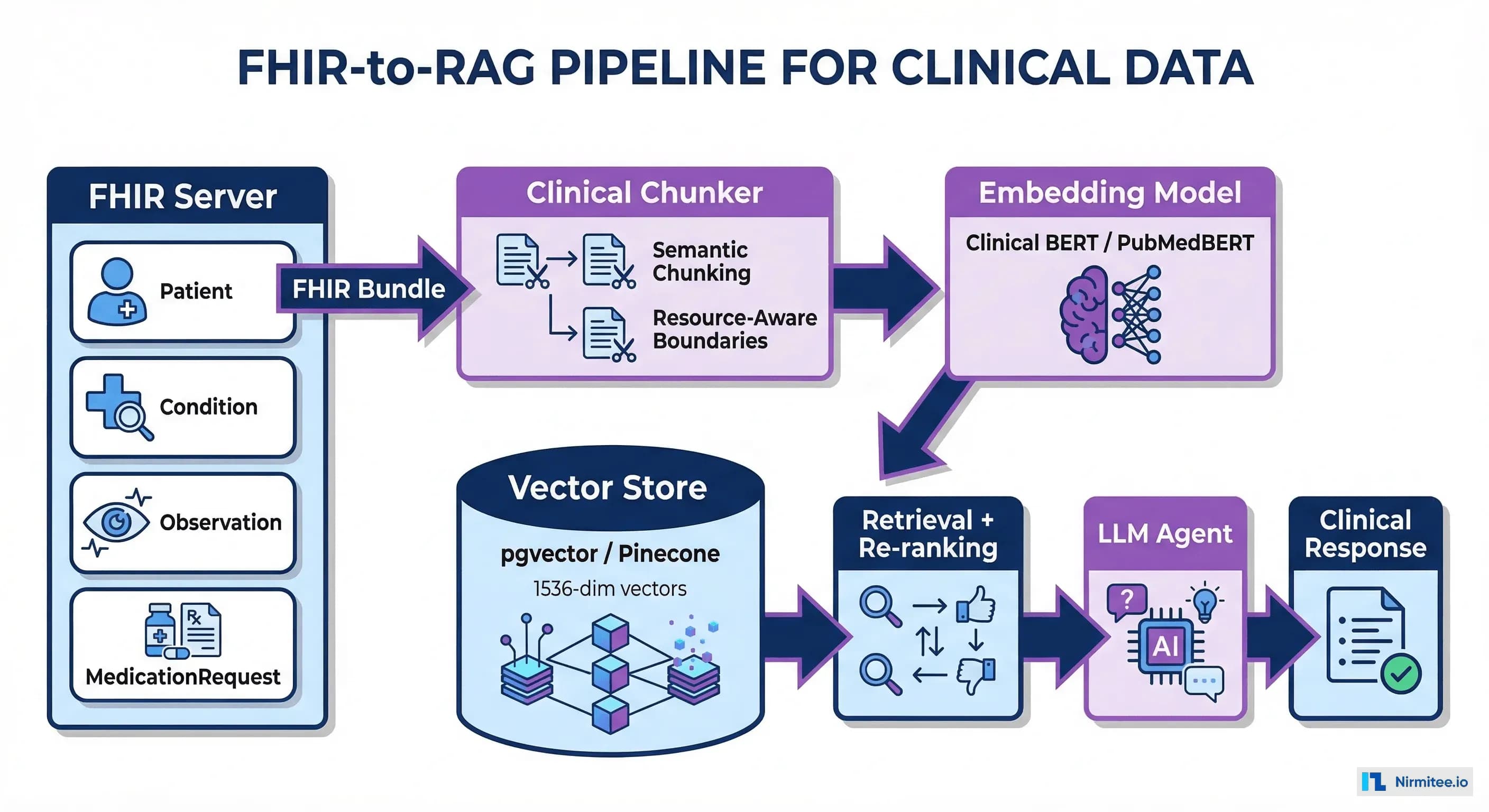
The agent receives the event, fetches the full resource from the FHIR server (if the notification was id-only), pulls additional context resources, and executes its clinical logic. The agent should use MCP tools for FHIR data access to maintain consistent authorization and audit logging.
Production Hardening
Idempotency
FHIR Subscription notifications can be delivered more than once (the server retries if it does not receive a timely acknowledgment). Your agent must handle duplicate events gracefully. Track event IDs and skip processing if the event was already handled.
Ordering
Notifications for the same resource may arrive out of order. A medication change followed by a cancellation might arrive as cancellation-then-change if the first delivery was slow. Use the resource's meta.lastUpdated timestamp to ensure you are processing the most recent version.
Backpressure
During high-volume periods (morning lab result batches, shift-change admission waves), the notification volume can spike 10-50x. Your queue must handle burst capacity without losing events, and your agent pool must scale to process the backlog within clinical latency requirements. For critical alerts (lab results, medication safety), target processing within 60 seconds. For operational events (discharge planning, follow-up scheduling), 5-10 minutes is acceptable.
Monitoring
Track these metrics for every subscription:
- Notification delivery latency: Time from FHIR write to webhook delivery
- Agent processing latency: Time from event receipt to agent completion
- Error rate: Failed agent activations per subscription topic
- Event volume: Notifications per minute by topic (for capacity planning)
- Duplicate rate: Percentage of notifications that are redeliveries
Build an observability dashboard that shows these metrics per subscription topic. When the lab result review agent's processing latency exceeds 60 seconds, you need to know immediately.
Fallback: When Subscriptions Are Not Available
If your EHR does not support FHIR Subscriptions (MEDITECH, some athenahealth configurations, older Epic versions), you have three fallback options:
- HL7v2 message feeds: Process ADT, ORU, ORM messages through Mirth Connect + Kafka and convert to FHIR-compatible events. This is the most common pattern in production today
- Change Data Capture: If you have database-level access to the EHR's data store, CDC tools (Debezium, AWS DMS) can capture row-level changes and convert them to FHIR events. This bypasses the FHIR API entirely but requires database access that most cloud-hosted EHRs do not provide
- Optimized polling with ETags: Use FHIR
_sinceparameters and HTTP ETags to minimize wasted queries. Poll every 10 seconds with_since=last-check-timestamp. This reduces wasted queries by 95% compared to full-resource polling, though it still has the latency and server load disadvantages of polling
Move to Event-Driven Clinical AI
Polling was a necessary compromise when FHIR Subscriptions did not exist. With R5 Subscription support expanding across EHR vendors and cloud platforms, there is no reason to build new agents on a polling architecture. Event-driven activation is faster, cheaper, and more scalable — and it enables clinical use cases (real-time alerting, immediate medication safety checks) that polling simply cannot support.
At Nirmitee, we build event-driven healthcare AI architectures that connect FHIR Subscriptions, HL7v2 event streams, and AI agents into reliable clinical automation pipelines. Whether your EHR supports native R5 Subscriptions or needs an integration engine bridge, we have deployed both patterns in production.
We will map your EHR's subscription capabilities to your AI agent requirements and design the notification pipeline that makes your agents reactive instead of wasteful.