CoverMyMeds API Integration: Pharmacy and EHR ePA Guide

CTO & Co-Founder
CTO & Co-Founder at Nirmitee.io. Architects healthcare integrations across FHIR, SMART on FHIR, ABDM and NHCX, writing from production experience taking hospital software from sandbox to go-live.
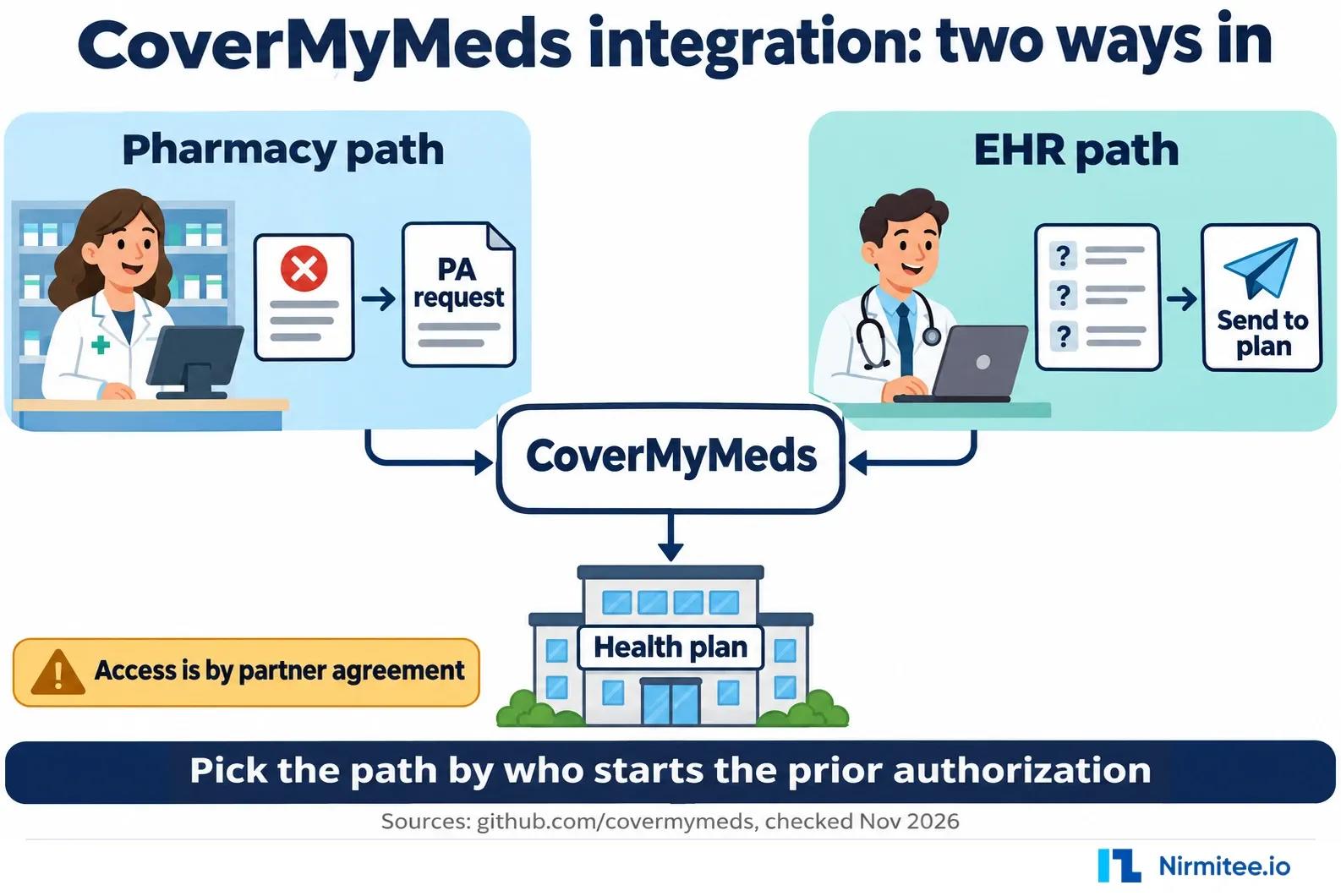
Most teams that search for the CoverMyMeds API want one of two things. A pharmacy software vendor wants a rejected claim to become a prior authorization without a phone call. An EHR or e-prescribing vendor wants prescribers to start, answer and track PAs without leaving the chart. CoverMyMeds supports both, and it published enough in its own GitHub organization to show how. This guide starts with the business use cases, then covers the technical side from first email to go-live. If you would rather have the build handled, see our electronic prior authorization integration service or talk to our team.
Confirm these with CoverMyMeds before you plan dates. CoverMyMeds' public API reference is a draft last updated on August 1, 2014. Its pharmacy claim reference code is from 2012, and its Ruby client was last changed in May 2022. CoverMyMeds does not publish current access terms, fees, a partner program, a separate test environment or onboarding times. The covermymeds.health site only serves visitors inside the United States, so we could not read it for this guide. Treat every endpoint below as the documented design, and ask CoverMyMeds for the current version.
If you are new to the topic, our explainer on what electronic prior authorization (ePA) is covers the basics. This post is about integrating with CoverMyMeds specifically.
What are the nine CoverMyMeds integration use cases?
The nine CoverMyMeds use cases run from pharmacy-started PAs in the EHR task list and Start PA in e-prescribing to rejected-claim PAs, NCPDP SCRIPT auto-start, dashboards, PA import, fax-only plan tracking and timed auto-PA. Each card gives the value, domain, difficulty, limits and a typical build estimate after access.
1. Pharmacy-started PAs in the EHR task list
Business value: PAs that pharmacies start after a rejected claim show up in the prescriber's own work queue, so staff stop working them from faxes.
Domain: EHR, callback service.
Complexity: Medium. You run a public HTTPS endpoint, match each PA to a prescriber NPI and store access tokens so the right users can see each request.
Efficacy: Works: CoverMyMeds' 2014 draft says the callback service sends new PAs created in integrated pharmacies. Limited: callbacks are the only supported route, and they can arrive out of order or skip states.
Timeline: Typical build estimate 2 to 3 weeks, after access is granted.
2. Start a PA from the e-prescribing screen
Business value: The prescriber starts the PA while writing the prescription, before the patient reaches the pharmacy.
Domain: EHR, e-prescribing.
Complexity: Medium. One call creates the request, but you add a Start PA checkbox per prescription, a New PA form for staff, and token storage.
Efficacy: Works: POST /requests/ takes patient, drug and state, and returns an id and token. Limited: you still need the plan's questions answered, either on the hosted page or in your own screens (use case 3).
Timeline: Typical build estimate 2 to 3 weeks, after access is granted.
3. PA questions inside your own screens
Business value: The whole PA happens in your product's look and feel, with no hand-off to another site.
Domain: EHR, request pages.
Complexity: High. /request-pages/ returns forms, question sets, validations and next actions, and your client renders whatever comes back, including branching questions.
Efficacy: Works: the draft documents a full loop, with a JSON schema for web systems and a typed JSON schema for desktop systems. Limited: you own every rendering edge case. The hosted, themed request page is the faster option.
Timeline: Typical build estimate 4 to 6 weeks, after access is granted.
4. Rejected claim to PA in one click (pharmacy)
Business value: A technician turns a "PA required" rejection into a PA request without retyping anything.
Domain: Pharmacy system.
Complexity: Low. The reference code posts the rejected NCPDP Telecom claim, an optional physician fax number and an API key to one endpoint.
Efficacy: Works: CoverMyMeds' Java reference posts to claims.covermymeds.com/cmmimport/ and gets back links to the PA. Limited: the code is from 2012, and it authenticates with a username and password as well as the key.
Timeline: Typical build estimate 1 to 2 weeks, after access is granted. CoverMyMeds' own 2012 README said "only a few days of development time".
5. Auto-start retrospective PA with NCPDP SCRIPT
Business value: When a pharmacy flags that a prescription needs PA, the EHR starts the PA on its own and only asks the provider when something does not match.
Domain: EHR, NCPDP SCRIPT ePA.
Complexity: High. You process SCRIPT messages, match the order, prescriber and patient, catch duplicates and send denials back.
Efficacy: Works: DrChrono documents this with CoverMyMeds. The pharmacy sends an RxChangeRequest through CoverMyMeds, DrChrono acknowledges and sends a PAInitiationRequest. Limited: CoverMyMeds does not publish its own SCRIPT mapping, and patient-not-found cases still need a person.
Timeline: Typical build estimate 4 to 6 weeks, after access is granted.
6. PA status in dashboards and work queues
Business value: Managers and specialty teams see which PAs are waiting, approved or denied without opening each one.
Domain: Reporting, any system that holds the tokens.
Complexity: Low. Read the status from callbacks, or batch-read with POST /requests/search/.
Efficacy: Works: the draft allows polling at about an hourly interval. Limited: you can only read PAs you hold tokens for.
Timeline: Typical build estimate 1 to 2 weeks, after access is granted.
7. Import existing PAs at rollout
Business value: Prescribers who already use CoverMyMeds keep their open PAs when your integration goes live.
Domain: EHR, prescriber setup.
Complexity: Medium. You register prescribers through /prescribers/credentials/, wait for CoverMyMeds' credential check, then take a burst of callbacks.
Efficacy: Works: the draft says existing PAs arrive as callbacks after the credential check. Limited: CoverMyMeds itself says this is hard to test without a credentialed prescriber.
Timeline: Typical build estimate 2 to 3 weeks, after access is granted.
8. Track fax-only plans to a decision
Business value: Staff can see every PA in one list, even for plans that do not take ePA.
Domain: EHR, send to plan.
Complexity: Medium. Send to Plan supports fax, but the answer comes back outside the workflow, so you need a way for staff to record it.
Efficacy: Works: plans that do not take ePA get the request by fax on their own drug form. Limited: the decision goes to the prescriber directly and is only tracked if a user records it on the request page.
Timeline: Typical build estimate 2 to 3 weeks, after access is granted.
9. Timed auto-PA on unresolved rejections (pharmacy)
Business value: The pharmacy system starts the PA itself when a rejection sits unresolved, so nothing waits on a busy technician.
Domain: Pharmacy system.
Complexity: Medium. You add a timer and rules on top of the claim path, plus a prescriber notice.
Efficacy: Works: PioneerRx described this in April 2019. Its IntelligentPA starts a PA when a rejected claim stays unresolved for more than 10 minutes and notifies the prescriber. Limited: that is a pharmacy vendor's feature, not a CoverMyMeds API setting.
Timeline: Typical build estimate 2 to 4 weeks, after access is granted.
Use cases compared
| Use case | Domain | Complexity | Typical build estimate* |
|---|---|---|---|
| 1. Pharmacy PAs in the EHR task list | EHR, callbacks | Medium | 2-3 weeks |
| 2. Start a PA from e-prescribing | EHR, e-prescribing | Medium | 2-3 weeks |
| 3. PA questions in your own screens | EHR, request pages | High | 4-6 weeks |
| 4. Rejected claim to PA | Pharmacy system | Low | 1-2 weeks |
| 5. Auto-start retrospective PA | EHR, NCPDP SCRIPT | High | 4-6 weeks |
| 6. Status in dashboards | Reporting | Low | 1-2 weeks |
| 7. Import existing PAs | EHR, prescriber setup | Medium | 2-3 weeks |
| 8. Fax-only plan tracking | EHR, send to plan | Medium | 2-3 weeks |
| 9. Timed auto-PA on rejections | Pharmacy system | Medium | 2-4 weeks |
* Typical build estimate for a lean, experienced team, after CoverMyMeds access is granted. Not a CoverMyMeds figure. CoverMyMeds publishes no access or approval time.
What does CoverMyMeds offer for integration?
CoverMyMeds offers two documented paths. Pharmacy systems post a rejected NCPDP Telecom claim to a claim endpoint, which starts a PA. EHR and e-prescribing systems use a REST API at api.covermymeds.com to create requests, answer plan questions, send to the plan and receive status by callback. CoverMyMeds' 2014 draft calls them the Pharmacy API and the Prescriber API.
The draft explains the split in its own words. A PA can start "prospectively" in the doctor's office or "retrospectively" after a claim rejection in the pharmacy. Both feed one PA task list. That shared record is the main reason to integrate on the EHR side even if most of your PAs start at the pharmacy.
The draft's REST design is simple. Requests are URL-encoded form data, every response is JSON, and every call carries a version parameter, v=1. CoverMyMeds said it would support each version for at least a year after the next one ships.
How do you integrate with the CoverMyMeds API?
Email developers@covermymeds.com for access and the current documentation. In the published design you get an api_id and api_secret, create PAs with POST /requests/, store each request's token, show the plan's questions on the hosted page or through /request-pages/, and run a callback endpoint. A mutual subcontract BAA must be signed before real patient data moves.
Authentication in the draft has two levels. The api_secret goes in an HTTP Basic header for account-level calls. Calls on one PA use a token in a Bearer header formatted as api_id+token_id. Tokens grant access to one request to whoever holds them, so your own access rules decide who sees what. CoverMyMeds designed it that way on purpose, to avoid copying your user model.
Plan token storage early. The draft names three ways a PA appears: office staff using the New PA form, the prescriber in the e-prescribing flow, and the pharmacy, tied to a prescriber NPI. The first needs tokens shared with the creating user's work group. The other two need tokens visible to everyone with access to that prescriber's data.
You have two choices for the PA screen. The hosted request page is a CoverMyMeds page your users open with a token in the link, with your own theme. You can hide its fax and delete buttons with documented CSS selectors. Or you render the questions yourself through /request-pages/, which only supports GET and moves from state to state by following action URLs in each response.
Which CoverMyMeds integration should you build first?
Start with the callback endpoint and the task list, then add Start PA in e-prescribing. Callbacks carry pharmacy-started PAs, which the draft says cannot be pulled any other way, and status changes for every request. Use the hosted request page first. Build your own question screens only when the hand-off clearly hurts adoption.
The draft's go-live checklist sets the minimum: create a PA from e-prescribing, a New PA form for admin users, a task list with filter, sort and search, prescriber NPI credentialing, a working callback system, proper error handling, your own keys, and the api_secret sent in the auth header. If you build those, you have use cases 1, 2 and 6 covered.
On the pharmacy side, the claim path comes first. It is the smallest piece of work in this whole guide, and the timer-based automation in use case 9 builds on it.
When should you integrate CoverMyMeds?
Integrate when your users already handle drug PAs by fax or by switching to the CoverMyMeds site, or when certification rules push you there. For certified health IT, ONC's HTI-4 rule makes the e-prescribing criterion's ePA transactions required and moves it to NCPDP SCRIPT 2023011, with only 2023011 accepted from January 1, 2028.
The CoverMyMeds draft itself made a related point years ago: some EHRs build directly on raw NCPDP ePA transactions, and CoverMyMeds offered its API as the alternative that also covers plans without electronic PA. Which route fits depends on your certification plans and which networks your customers already use. The public API documents drug PAs; medical prior authorization runs on Da Vinci CRD, DTR and PAS. See our Da Vinci CRD, DTR and PAS guide. Our Surescripts integration guide covers the other main network.
What can you build with the CoverMyMeds API?
From CoverMyMeds' public code, you can create, read, search and archive PA requests, render the plan's question pages with branching logic, send requests to plans by ePA or fax, add or revoke access tokens, register prescribers, theme the hosted page, receive callbacks, and start a PA from a rejected pharmacy claim.
The Ruby client (last commit May 2022) lines up with the 2014 draft. Its modules cover drugs, forms, requests, request pages, tokens, credentials, consumers and indicators, and its methods include create_request, get_request, get_requests, send_to_plan_request with fax parameters, archive_request and get_request_page. That is the closest thing in public to a current method list.
The draft also offered a mock payer on request, to test approval and denial without a real plan. It published two test fax numbers: one that always succeeds and one that always fails.
What is not possible or not documented in the CoverMyMeds API?
CoverMyMeds publishes no current API reference, access terms, fees, partner program, separate test environment or onboarding time. Its public code shows no attachments endpoint. It does not document how its REST API maps to NCPDP SCRIPT ePA messages. Pharmacy PAs cannot be pulled without callbacks, and fax-only plans answer outside the workflow.
The test environment affects how you test. The 2014 draft said CoverMyMeds did not provide separate development, test or staging URLs. Everything ran against production, so a test fax was a real fax. Ask whether that is still true before your team wires up automated tests.
What are the known CoverMyMeds API issues?
Three issues come from CoverMyMeds' own draft. Callbacks can arrive out of order or skip states, so you cannot rely on getting every change. Without a callback server, pharmacy-started PAs never reach your EHR. Removing every token from a PA makes it unreachable through the API until you create a new one.
Treat each callback as the latest known state of the request. Each one carries the full request record, formatted like the /requests/ response, so compare timestamps or status and keep the newest. Return HTTP 200 or 201 only after you have stored it. CoverMyMeds queues errors for retry.
The draft says IP allowlisting of CoverMyMeds' range is recommended but not required, and that you can set a separate delivery URL per prescriber NPI. Both are worth asking about during onboarding.
How long does a CoverMyMeds integration take?
Build time runs from about 1 to 2 weeks for a pharmacy claim link or a status dashboard to 4 to 6 weeks for your own question screens or SCRIPT auto-start. These are typical build estimates after access is granted, not CoverMyMeds figures. CoverMyMeds publishes no time for access, agreement or approval.
The only vendor-stated waits are old. The 2012 pharmacy README promised a same-day reply to a key request. The same README said claim integration takes "only a few days of development time". For the EHR path, the draft assigns a developer contact during the build and an account manager near go-live, who handles training and rollout with you.
A full EHR program that covers use cases 1, 2, 6 and 7 together typically lands in 4 to 6 weeks of build after access, because they share the same token store and callback service.
What CoverMyMeds caveats should you plan for?
Plan for old public docs, a required mutual subcontract BAA before real data moves, production-only testing in the published design, and access tokens as your only access control. CoverMyMeds acts as a business associate and, for API integrations, can also count as a health care clearinghouse under HIPAA, per its draft.
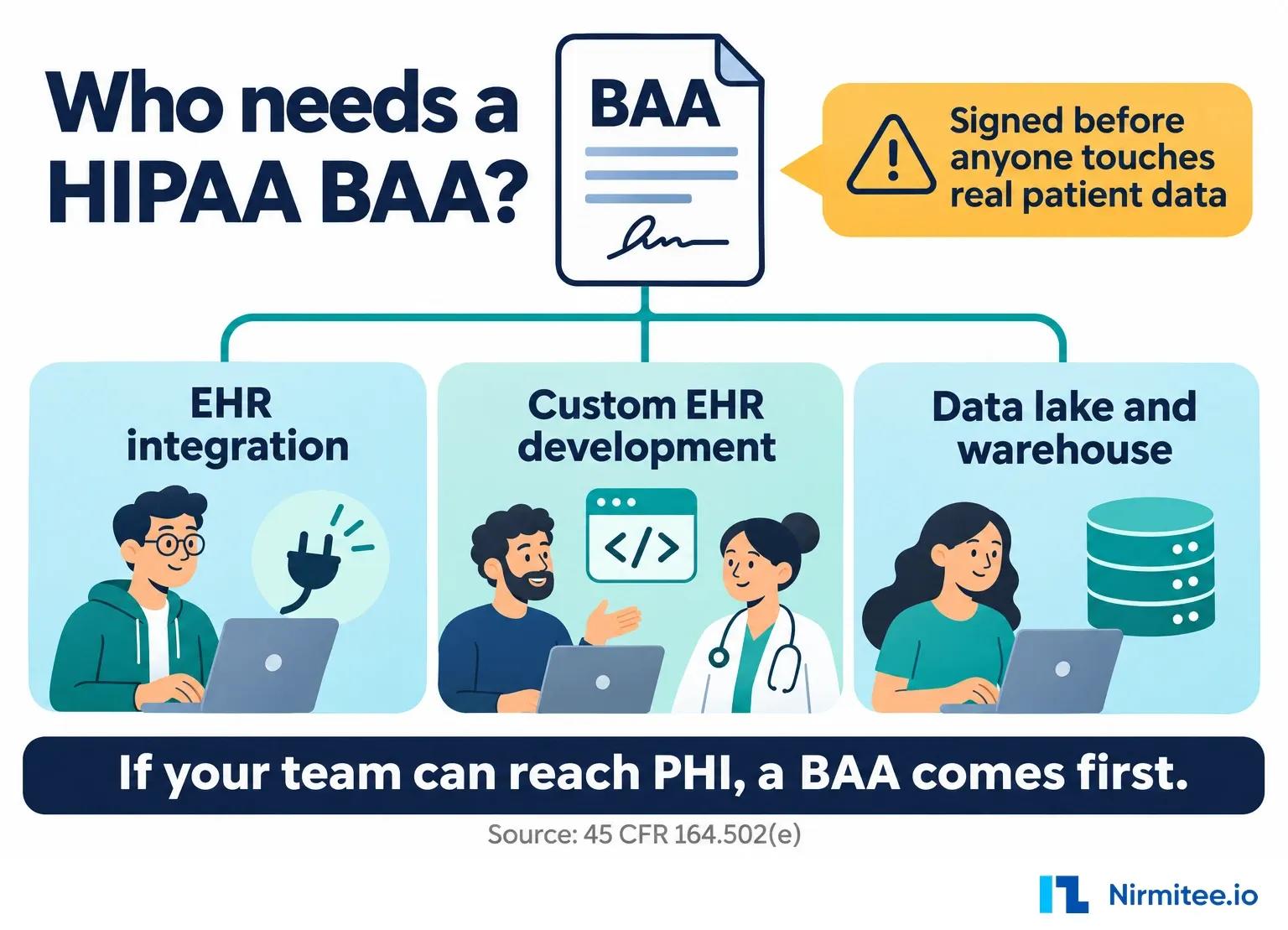
CoverMyMeds' draft says integrating systems sign a mutual subcontract BAA. You can start building before it is signed, using mock data, but it must be in place before any real patient data moves. Large health systems, pharmacies and plans may get a customized BAA.
The draft also warns not to lose the api_secret. CoverMyMeds cannot email it and cannot reset it without breaking the integration. Store it in a secrets manager on day one, and get new production keys at go-live as the checklist says.
How does NCPDP SCRIPT ePA fit with CoverMyMeds?
NCPDP SCRIPT defines four ePA transaction pairs: PAInitiation, PA, PAAppeal and PACancel requests and responses. Medicare Part D sponsors and prescribers had to use SCRIPT 2017071 for them from January 1, 2022. DrChrono documents SCRIPT messages flowing through CoverMyMeds, but CoverMyMeds does not publish its own mapping.
The Part D rule, published in the Federal Register on December 31, 2020, allowed use from January 1, 2021 and required it from January 1, 2022. HTI-4 now moves certified e-prescribing to SCRIPT 2023011.
For the full SCRIPT message set behind ePA, see our NCPDP SCRIPT standard guide.
The DrChrono help article is the clearest public view of SCRIPT through CoverMyMeds. The pharmacy sends an RxChangeRequest through CoverMyMeds. DrChrono sends back a status acknowledgment, checks the order, prescriber, patient and any PA already in progress, and then sends a PAInitiationRequest. Responses come back as Approved, Denied or Complete More Questions. Failed matches send a denial back as an RxChangeResponse. That is one EHR's design, but it shows the edge cases you will meet. For the wider standards picture, see our post on the NCPDP SCRIPT and FHIR gap.
The sixteen steps in text:
- The pharmacy sends the claim (NCPDP Telecom) to the claim switch.
- The switch forwards the claim to the payer or PBM.
- The plan rejects it: PA required, back through the switch.
- The pharmacy system posts the rejected claim, prescriber fax and API key to POST /cmmimport/.
- CoverMyMeds links the claim to a new PA.
- CoverMyMeds posts the full request record to your callback URL.
- Your EHR answers 200 or 201 after storing it; errors are queued and retried.
- The PA appears in the prescriber's task list.
- The prescriber or staff open the PA and answer questions.
- For each question page, your EHR calls GET /request-pages/{id} for forms, questions and validations.
- CoverMyMeds returns the next page, or done.
- Your EHR sends the request to the plan.
- CoverMyMeds delivers it by ePA, or by fax on the plan's drug form.
- The plan returns a determination.
- CoverMyMeds posts a status-changed callback; callbacks can arrive out of order or skip states.
- Your EHR shows the decision. If the plan takes fax only, the decision arrives by fax and staff record it on the request page before any callback reports it.
Sources
All read on November 13, 2026.
- CoverMyMeds EHR API draft, github.com/covermymeds/covermymeds.github.io, path ehr-api-draft/index.html, last commit August 1, 2014: CoverMyMeds EHR API draft on GitHub
- CoverMyMeds Pharmacy Claim API Java reference and README, last push December 13, 2012: pharmacy-claim-api-java-ref on GitHub
- CoverMyMeds Ruby client, last commit May 26, 2022: cover_my_meds Ruby client on GitHub
- DrChrono, Retrospective ePA with the CoverMyMeds integration: DrChrono help article
- PioneerRx, Featured feature: CoverMyMeds integration, April 24, 2019: PioneerRx blog post
- Federal Register, December 31, 2020, Part D ePA standard (42 CFR 423.160(b)(8)): Federal Register document 2020-28877
- ASTP/ONC, HTI-4 final rule fact sheet: HTI-4 final rule fact sheet
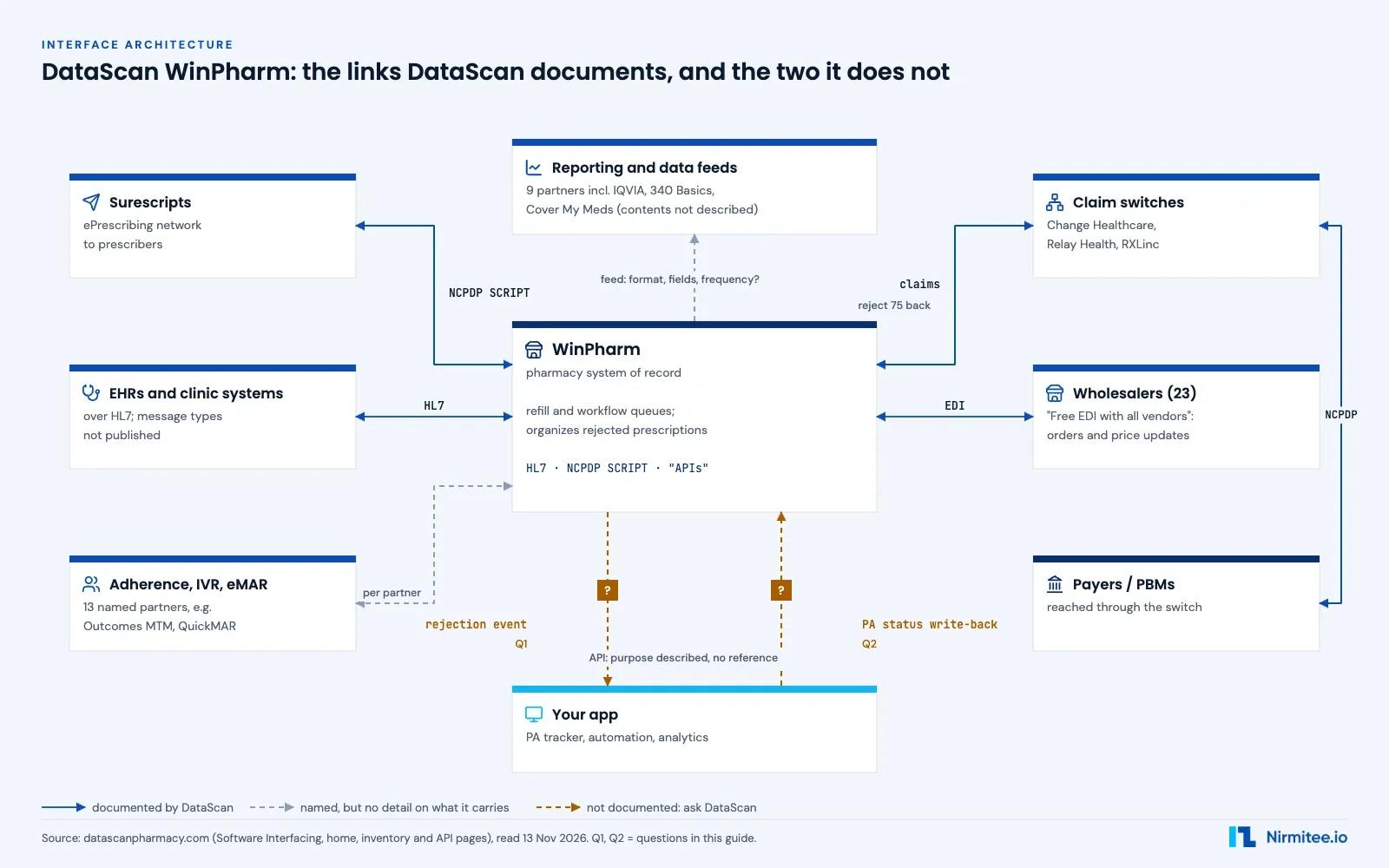
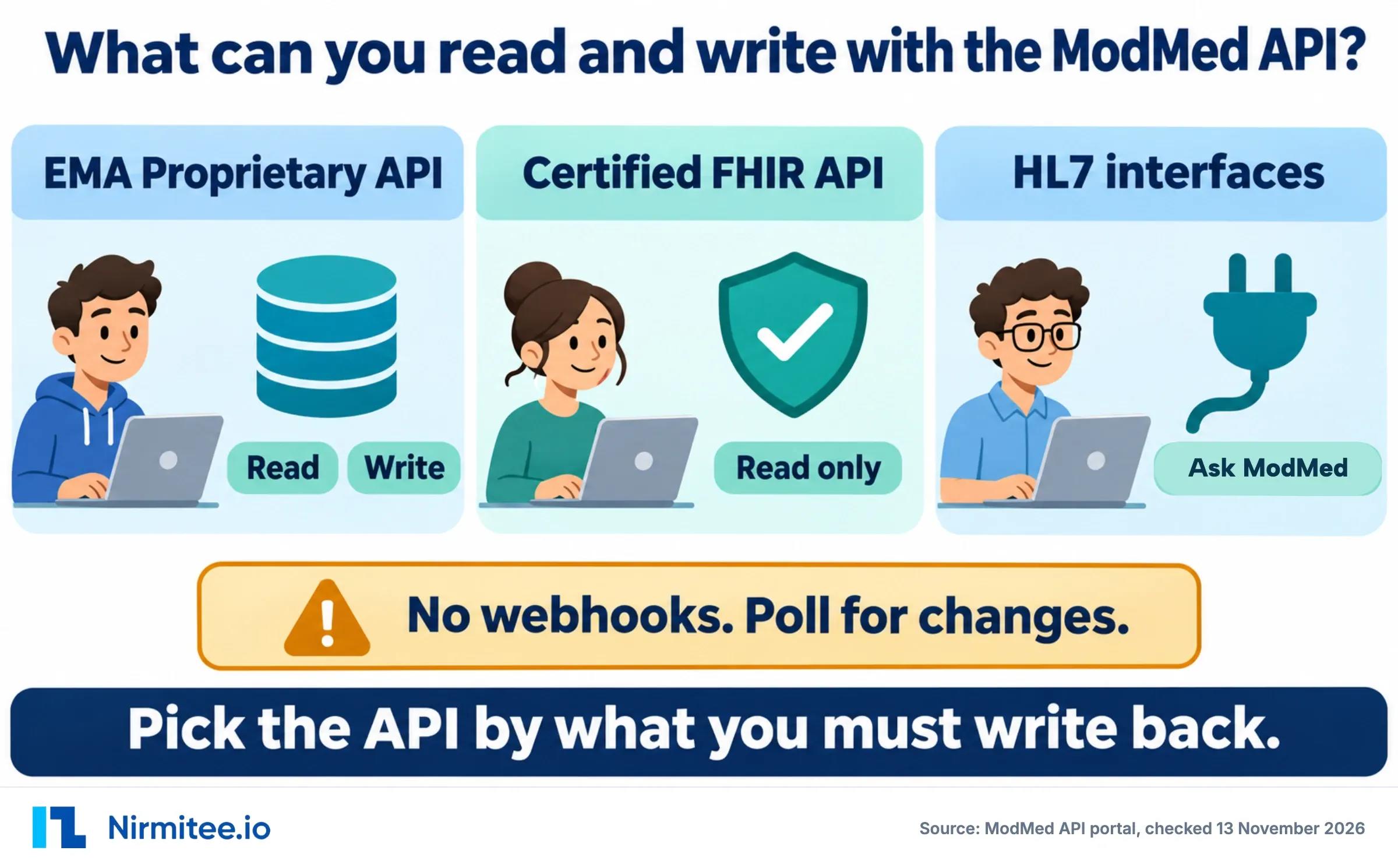
Related guides: DataScan WinPharm pharmacy software integration and ModMed API documentation.
Ready to scale?
Talk to our healthcare engineering team about building, integrating, and shipping faster.
Frequently Asked Questions
Does CoverMyMeds have a public API?
Is there a CoverMyMeds pharmacy API?
Does the CoverMyMeds API support webhooks?
Can I poll for PA status instead of using callbacks?
Is there a CoverMyMeds sandbox?
What happens with plans that do not support ePA?
Do I need a BAA with CoverMyMeds?
How long does CoverMyMeds API onboarding take?
Does CoverMyMeds use NCPDP SCRIPT ePA?
Can I show CoverMyMeds PA screens in my own UI?
Is CoverMyMeds a clearinghouse?
What if CoverMyMeds does not grant API access?
Can I test CoverMyMeds without production?
Does CoverMyMeds handle medical (non-drug) prior authorization?
What maintenance does a CoverMyMeds integration need?
How much does CoverMyMeds API integration cost?
Does CoverMyMeds charge pharmacies or prescribers?