Photon Health API Integration Guide (2026)

CTO & Co-Founder
CTO & Co-Founder at Nirmitee.io. Architects healthcare integrations across FHIR, SMART on FHIR, ABDM and NHCX, writing from production experience taking hospital software from sandbox to go-live.
Reviewed by Jitendra Choudhary, CTO and Co-Founder, Nirmitee.io
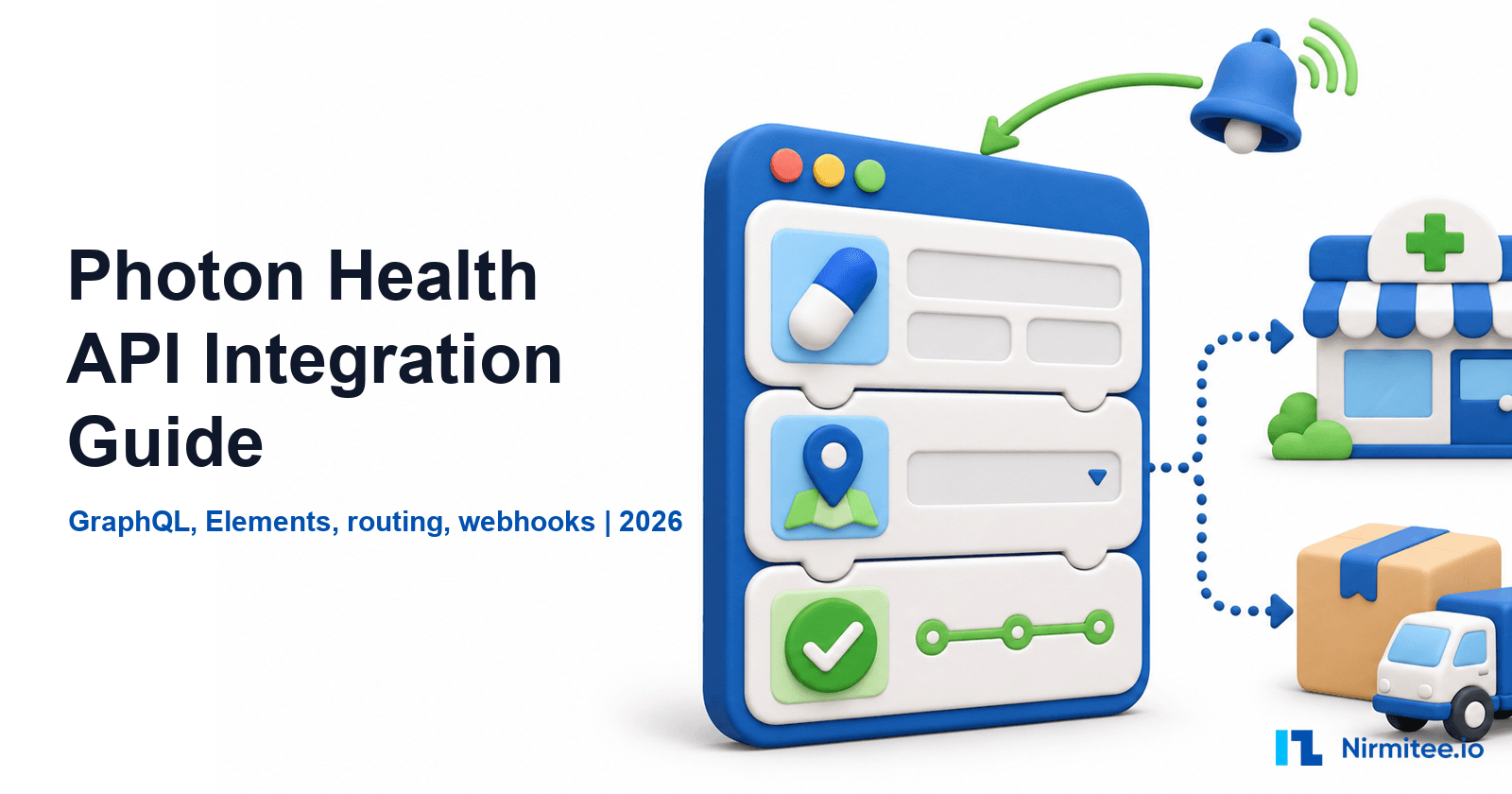
Photon Health sells e-prescribing to telehealth companies and digital health products in the United States. You write a prescription through its API or its embeddable screens, then place an order that sends it to a retail pharmacy for pickup or to a mail-order pharmacy. Unlike most e-prescribing vendors, Photon publishes its API reference, its sandbox sign-up and its prices. If you need a team to build it, see our e-prescribing integration services.
This guide is for the product lead deciding whether Photon fits, and for the engineer who will build on it. It covers access, the GraphQL API, the Elements web components, orders and pharmacy routing, webhooks, limits, cost and the gaps, with a comparison to DoseSpot, DrFirst and ScriptSure. Last checked: Nov 25, 2026.
For the full picture of how e-prescribing integration works across vendors, see our e-prescribing integration guide.
Photon Health API at a glance
| Question | Short answer |
|---|---|
| Who grants access? | Photon Health. Sandbox sign-up is self-serve. Production access is by request or through sales. |
| Who signs? | Your company accepts Photon's terms and signs its BAA if you are a covered entity. Prescribers must be licensed and not on the CMS preclusion list. Your company verifies their credentials. |
| Are there public documents? | Yes. Guides at docs.photon.health and a full GraphQL reference at reference.photon.health. |
| Which routes exist? | GraphQL API, Elements web components, a hosted Photon app with deep links, and EHR integrations Photon names (Epic, athenahealth, ModMed, Elation, Healthie, DrChrono). |
| What does it cost? | Published. Sandbox free. Launch plan $300 a month with 350 orders and API access. $1 per extra order. |
| How long? | Photon says the sandbox takes about five minutes to set up and you can go live "as soon as the same day". Your own build time is separate. |
| Biggest limit? | No controlled substances (EPCS). United States only. |
What can you build with the Photon Health API?
Eight use cases follow. Each points to a row in the "What is possible" table (rows P1 to P10). Build complexity is our own rating. Photon publishes no build times, so this guide gives no build estimate.
1. Add prescribing to a telehealth visit
- Who it is for: Async and video telehealth companies.
- The value: The clinician prescribes at the end of the visit without leaving your app.
- Build complexity: low to medium.
- How well it works: Well. The
photon-prescribe-workflowelement handles drug search, templates and sending. P1, P2, P3.
2. Let the patient choose a pharmacy by text
- Who it is for: Direct-to-consumer brands.
- The value: The patient picks the most convenient pharmacy after the visit, so you need no pharmacy picker.
- Build complexity: low.
- How well it works: Well. Orders without a pharmacy wait in Routing status while Photon texts the patient. P5.
3. Ship medications through a mail-order partner
- Who it is for: Weight loss, dermatology, hair and sexual health programs.
- The value: Medications ship to the patient with tracking you can show in your app.
- Build complexity: medium.
- How well it works: Well for non-controlled drugs. Photon's Mail Order Partners page lists 12 partners, and fulfillment events carry carrier and tracking number. P5, P8.
4. Build your own prescribing screen
- Who it is for: Products with a strong design system.
- The value: Full control of the prescriber experience.
- Build complexity: medium to high.
- How well it works: Supported. Drug reference queries, templates,
createPrescriptionandcreateOrderare all in the API. Writing prescriptions needs a user token from an authorized prescriber. P2, P3, P4.
5. Track every order in your own dashboard
- Who it is for: Care teams and support staff.
- The value: Staff see where each prescription is without calling the pharmacy.
- Build complexity: low to medium.
- How well it works: Well. Order and prescription webhooks cover created, placed, fulfillment, completed, canceled and rerouted. P8.
6. Show coverage while prescribing
- Who it is for: Programs where patients use insurance.
- The value: Fewer abandoned prescriptions at the pharmacy.
- Build complexity: medium.
- How well it works: Partly. The check returns covered, covered with restrictions or not covered, but it uses benefit data you load into Photon yourself. P9.
7. Run drug and allergy checks
- Who it is for: Any prescribing product.
- The value: Fewer unsafe prescriptions.
- Build complexity: low.
- How well it works: Works on the medication history and allergies you send with
createPatient. Photon does not pull outside history. P1, P10.
8. Standardize regimens with templates and catalogs
- Who it is for: Programs with a fixed formulary.
- The value: Prescribers pick from approved drugs and doses.
- Build complexity: low.
- How well it works: Well. Templates and catalogs have their own mutations. P4.
The eight Photon Health use cases compared
| Use case | Who it is for | Complexity |
|---|---|---|
| Add prescribing to a telehealth visit | Async and video telehealth companies | Low to medium |
| Let the patient choose a pharmacy by text | Direct-to-consumer brands | Low |
| Ship medications through a mail-order partner | Weight loss, dermatology, hair and sexual health programs | Medium |
| Build your own prescribing screen | Products with a strong design system | Medium to high |
| Track every order in your own dashboard | Care teams and support staff | Low to medium |
| Show coverage while prescribing | Programs where patients use insurance | Medium |
| Run drug and allergy checks | Any prescribing product | Low |
| Standardize regimens with templates and catalogs | Programs with a fixed formulary | Low |
How do you get access to the Photon Health API?
You sign up for the sandbox yourself, then ask for production. No partner contract is needed to start.
- Sandbox. Sign up as a developer at photonhealth.com/onboard. The sandbox is called Neutron. Photon says it "works exactly like production (except the send prescription to pharmacy thing)" (Photon getting started guide, checked November 26, 2026).
- Credentials. Your organization gets a client ID and secret for a machine-to-machine token.
- Prescribers. Each prescriber logs in as a user. Only authorized providers get the
write:prescriptionpermission. Photon may ask for prescriber names and NPIs to check compliance. - Plan and BAA. Pick a plan with API access (Launch or above). Photon says it signs a BAA with all covered entities, and the BAA text is public.
- Production. Switch hosts and credentials from neutron.health to photon.health.
What does Photon Health API access give you?
| Stage | What you get |
|---|---|
| Before sign-up | Public guides, the GraphQL reference, pricing, terms and BAA text. |
| Sandbox (Neutron) | api.neutron.health/graphql, clinical-api.neutron.health/graphql, a GraphQL playground at app.neutron.health/playground, and test data for the benefits API. Prescriptions are not sent to real pharmacies. |
| Production | api.photon.health/graphql and clinical-api.photon.health/graphql, real pharmacy routing, webhooks. |
What are the ways to integrate with Photon Health?
| Route | What it is | When it fits |
|---|---|---|
| Elements web components | @photonhealth/elements: <photon-client>, <photon-prescribe-workflow>, <photon-med-history>. Works in React (dynamic import), Angular and Vue. | You want a prescribe screen fast with little UI work. |
| GraphQL API | Patients, prescriptions, orders, pharmacies, templates, catalogs and drug reference data. | You want your own screens or back-end automation. |
| JavaScript SDK | @photonhealth/sdk. | A JavaScript or TypeScript back end or front end. |
| Hosted app deep link | Open app.neutron.health/prescriptions/new?patientId=... with a patient and templates prefilled. | A first release with almost no UI work. |
| EHR integrations | Photon names Epic, athenahealth, ModMed, Elation, Healthie and DrChrono. | Your clinicians already work in one of those EHRs. Ask Photon what each one covers. |
| MCP access | Listed on the Launch plan and above. | AI assistant workflows. Ask Photon what it exposes. |
Photon also publishes migration guides from DoseSpot and MDToolbox.
What can you read and write through the Photon Health API?
| Row | Function | Read or write | Operations |
|---|---|---|---|
| P1 | Patients, allergies, medication history you supply, preferred pharmacy | Write and read | createPatient, updatePatient, patient, patients |
| P2 | Drug reference search | Read | medications, medicationConcepts, medicationProducts, medicationStrengths, dispenseUnits, allergens |
| P3 | Prescriptions | Write and read | createPrescription, createPrescriptions, cancelPrescription, prescription |
| P4 | Templates and catalogs | Write and read | createPrescriptionTemplate, addToCatalog, catalogs |
| P5 | Orders (send prescriptions to a pharmacy) | Write and read | createOrder, updateOrder, cancelOrder, order |
| P6 | Pharmacy search by name, location and fulfillment type | Read | pharmacies, pharmacy (returns NPI and NCPDP ID) |
| P7 | Fills | Read | fill |
| P8 | Order and prescription events | Push to you | Webhooks |
| P9 | Coverage check | Read | Patient Benefits API on the clinical-api host |
| P10 | Drug-drug and drug-allergy screening | Read | Inside Elements, using the data in P1 |
What does a Photon order look like?
An order names the patient, a list of fills (each pointing to a prescription), a delivery address and, optionally, a pharmacy. Field names are from Photon's guide; check the reference for the full input type.
mutation {
  createOrder(
    patientId: "pat_...",
    fills: [{ prescriptionId: "rx_..." }],
    address: { street1: "...", city: "...", state: "CA", postalCode: "..." }
    # pharmacyId omitted: Photon routes, or texts the patient to choose
  ) { id state }
}
What is not possible with the Photon Health API?
- No controlled substances. Photon's FAQ: "Photon's network does not support the transmission of controlled substance prescriptions." The terms forbid them.
- No FHIR. Photon documents GraphQL only. If your product stores FHIR, you map to MedicationRequest yourself.
- No outside medication history pull. You send history in; Photon does not fetch it from a network.
- No documented prior authorization API. Elements show prior authorization warnings, but there is no documented API to submit one. Photon's terms say Photon may submit prior authorizations on the customer's behalf.
- No coverage data of its own. The benefits check uses data you load.
- No service outside the United States.
- No SDKs beyond JavaScript and TypeScript. Other languages call GraphQL directly.
If you need controlled substances, the usual answer is a vendor with EPCS, such as DrFirst or DoseSpot, or a direct Surescripts connection. Our Surescripts integration guide covers that route.
What are the Photon Health API limits?
| Limit | Value |
|---|---|
| Controlled substances | Not supported |
| Geography | All 50 US states; United States only |
| Machine token | One per organization; cannot write prescriptions; expires in 86,400 seconds in the sample |
| Prescription writing | User token from an authorized provider only |
| Webhook order | Not guaranteed; events can repeat |
| Mail-order cancel | Only Carepoint and Curexa |
| Live stock data | Only from pharmacy partners that share it, for example Amazon Pharmacy |
| Rate limits, SLA | Not published |
How much does Photon Health cost?
Photon publishes its prices (read Nov 25, 2026).
| Plan | Price | Orders included | Notes |
|---|---|---|---|
| Sandbox | Free | None | Test only |
| Indie | $30 a month | 30 | Prescribe app only, no API |
| Launch | $300 a month | 350 | API access, webhooks, MCP |
| Grow | $3,000 a month | 4,000 | Multiple organizations, custom SSO |
| Enterprise | Talk to sales | Flexible | White label |
All plans have unlimited seats, and orders past the included number cost $1.00 each. Pharmacy drug prices are separate and Photon says "some prices may be estimates". Ask Photon whether the order count includes canceled and rerouted orders.
How long does a Photon Health integration take?
Photon states about five minutes to set up the sandbox and go-live "as soon as the same day". That is Photon's own time. Your build time depends on the route: an Elements screen is less work than your own screens on the API, and webhook handling, prescriber onboarding and your own testing come on top. Photon publishes no review or certification step for production.
How do you build a Photon Health integration, step by step?
Stage 1. Get tokens
POST to https://auth.neutron.health/oauth/token with your client ID, secret and audience https://api.neutron.health. Use the returned bearer token for back-end calls. Production uses auth.photon.health and api.photon.health.
Stage 2. Create patients
Call createPatient with demographics, allergies, current medications and preferred pharmacy. Store the Photon patient ID against your own.
Stage 3. Prescribe
Either place <photon-prescribe-workflow patient-id="..."> inside <photon-client> and listen for photon-prescriptions-created and photon-order-created, or call createPrescription with a prescriber's user token.
Stage 4. Place the order
Call createOrder. Leave out the pharmacy to let the patient choose by text, or pass a retail or mail-order pharmacy ID from the pharmacies query.
Stage 5. Handle webhooks
Verify X-Photon-Signature (HMAC-SHA256 of the body with your secret) and X-Photon-Timestamp. Make handlers idempotent because events can repeat and arrive out of order.
Stage 6. Go live
Move to production hosts, onboard prescribers with NPIs, and test one real order per pharmacy type.
Order status for local pickup runs Routing, Pending, Placed, Sent, Received, Ready. For partner mail order it runs Pending, Placed, Sent, Filling, Shipped, Delivered, Completed.
Which Photon Health quirks should you know?
A prescription has no pharmacy until the order
Prescriptions sit as Active until an order sends them; then they become Depleted. Plan your UI around two objects, not one.
Two GraphQL hosts
Most calls go to api.*; the clinical and benefits calls go to clinical-api.*. Photon says functionality "is currently split across two domains".
The webhook secret is optional
Without one, the signature is computed with an empty key, which proves nothing. Always set a secret.
The sample signature code re-serializes JSON
The sample hashes JSON.stringify(rawBody). Hash the raw bytes you received, or a signature check can fail on whitespace differences.
Two webhook events are named but not defined
The webhooks page names photon:order:sent and photon:order:processing; the order events page does not define them. Handle unknown event types without failing.
Iframe or not
The Elements docs say they "do not use outdated iframe technology"; the FAQ lists an iframe as one way to embed. Ask which applies to your plan.
Machine tokens cannot prescribe
Back-end automation can manage patients and orders, but each prescription needs a prescriber's own login.
Photon Health vs DoseSpot, DrFirst and ScriptSure: which fits?
Photon fits a US telehealth or direct-to-consumer product that prescribes non-controlled drugs and wants public docs, self-serve sandbox and mail-order routing. It does not fit a product that needs controlled substances or a certified EHR e-prescribing module.
| Need | Photon Health | Where to look instead |
|---|---|---|
| Controlled substances (EPCS) | Not supported | DoseSpot, DrFirst Rcopia, ScriptSure |
| Public API docs and self-serve sandbox | Yes | Read each guide for that vendor's access path |
| Published prices | Yes | Most e-prescribing vendors do not publish prices; see each guide |
| Mail-order partner routing with tracking | Yes, 12 partners listed | Check each vendor |
| Direct network connection you control | No | Surescripts integration |
What should you check before you sign with Photon Health?
Security and compliance, as Photon states them
- Photon states it is "SOC 2 Type II and HIPAA compliant, and LegitScript certified".
- Photon signs a BAA with covered entities; the text is public.
- Photon's FAQ names an FDB Vela integration with a HITRUST-certified architecture for transmissions.
- A public status page tracks the Clinical API, webhooks, the clinical website and the patient app.
Your side
Verify prescriber licenses and the CMS preclusion list yourself; Photon's terms put that on the customer. Keep a HIPAA-ready build for anything you store.
Questions to ask Photon before you sign
- Which network carries retail prescriptions to pharmacies?
- What are the API rate limits, and is there an uptime commitment?
- Which test pharmacies exist in the sandbox?
- Do canceled or rerouted orders count toward plan orders?
- What does each named EHR integration cover?
- Is controlled substance support planned?
- Are
photon:order:sentandphoton:order:processinglive events? - What does the production approval check before go-live?
What is the next step for a Photon Health integration?
Deciding between Photon, DoseSpot, DrFirst or a Surescripts connection, or ready to build on Photon? We scope the route and the build with you. Start at our e-prescribing integration services.
Adding Photon Health or another eRx vendor to your product?
Tell us what your product does and whether you prescribe controlled substances. An integration engineer replies with the route we would choose and a fixed scope after a scoping call.
Frequently Asked Questions
What is Photon Health?
Does Photon Health have a public API?
Is the Photon Health API REST or GraphQL?
How does Photon Health authentication work?
Does Photon Health support EPCS or controlled substances?
Does Photon Health have a sandbox?
How much does Photon Health cost?
Can patients choose their own pharmacy with Photon Health?
Does Photon Health work with mail-order pharmacies?
Does Photon Health support webhooks?
Does Photon Health support FHIR?
Photon Health vs DoseSpot: which should I pick?